Creating dedicated landing pages vs PDF brochures for your product or service offers several distinct benefits for an organization.
Here are some of the key advantages:
1. Enhanced User Experience:
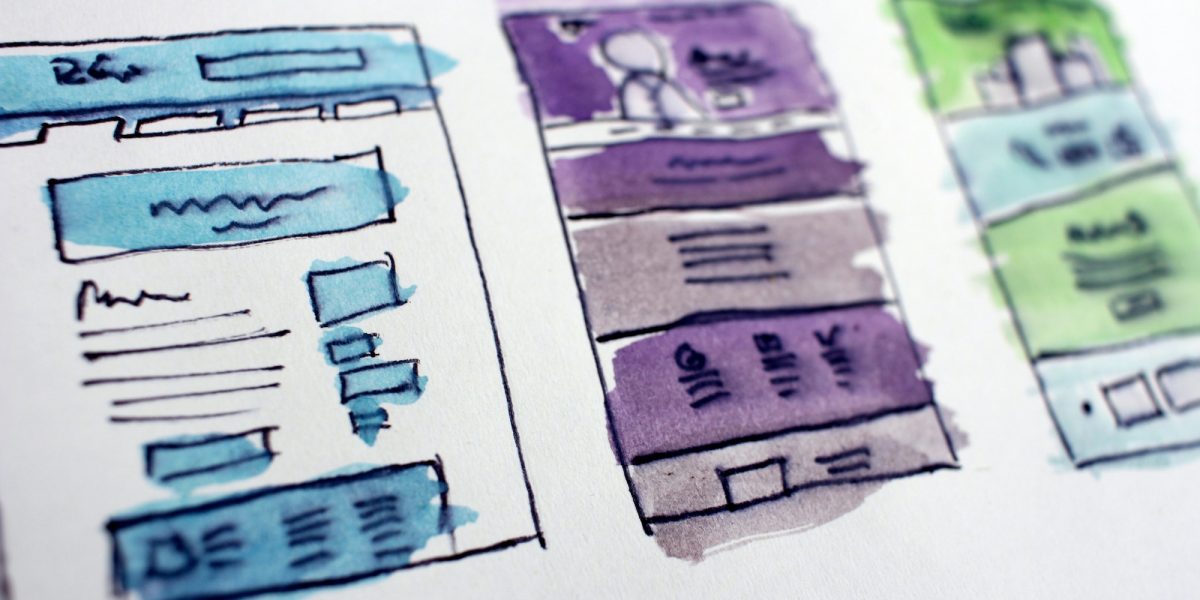
A dedicated landing page provides a more interactive and engaging experience for visitors compared to a static PDF brochure. You can incorporate various multimedia elements such as videos, animations, infographics, and interactive forms, making it easier to convey information and capture the user’s attention.
2. Improved Accessibility:
Landing pages are typically hosted on a website and can be accessed from various devices with an internet connection. This accessibility ensures that your service offering is available to a broader audience, including those using smartphones, tablets, and desktop computers.
3. Search Engine Optimization (SEO):
Landing pages can be optimized for search engines, making it easier for potential customers to find your services through online searches. By using relevant keywords and following SEO best practices, you can increase the visibility of your service offering and attract organic traffic.
4. Measurable Analytics:
Landing pages allow you to gather valuable data on visitor behaviour, such as the number of visits, time spent on the page, interactions, and conversion rates. This data can provide insights into the effectiveness of your marketing efforts and help you refine your strategy.
5. A/B Testing and Iteration:
Landing pages can be easily modified for A/B testing, where you can experiment with different elements such as headlines, calls-to-action, layouts, and visuals to determine which versions perform better. This iterative approach can lead to higher conversion rates over time.
6. Integration with Marketing Tools:
Landing pages can be integrated with various marketing tools such as email marketing platforms, CRM systems, and marketing automation software. This integration streamlines lead generation, customer relationship management, and follow-up processes.
7. Direct and Immediate Communication:
A landing page allows you to present your service offering in a concise and focused manner. Visitors can quickly understand the benefits and features without the need to download or open a separate file. This immediacy can lead to higher engagement and faster decision-making.
8. Social Sharing:
Landing pages can be easily shared across social media platforms and through email, allowing users to spread the word about your service offering. This can lead to increased brand exposure and potential viral marketing opportunities.
9. Adaptability and Updates:
Unlike a PDF brochure, which may require users to download a new version, landing pages can be updated in real-time. This is particularly advantageous when your service offering or related information changes, ensuring that your audience always has access to the most current details.
10. Credibility and Professionalism:
A well-designed landing page with a modern and professional look can enhance your organization’s credibility and convey a sense of professionalism. This can positively impact the perception of your brand and encourage trust among potential customers.
In summary, focusing on the creation of digital marketing materials in the form of landing pages vs PDF brochures offers a more dynamic, interactive, and measurable way to showcase your products and services. It enhances user experience, supports marketing efforts, and provides valuable insights for continuous improvement.